
Continuing/Returning Student Roadmap
Continuing / Returning Student Roadmap
Stay on track with advising, registration, financial aid, course materials, and payment deadlines.
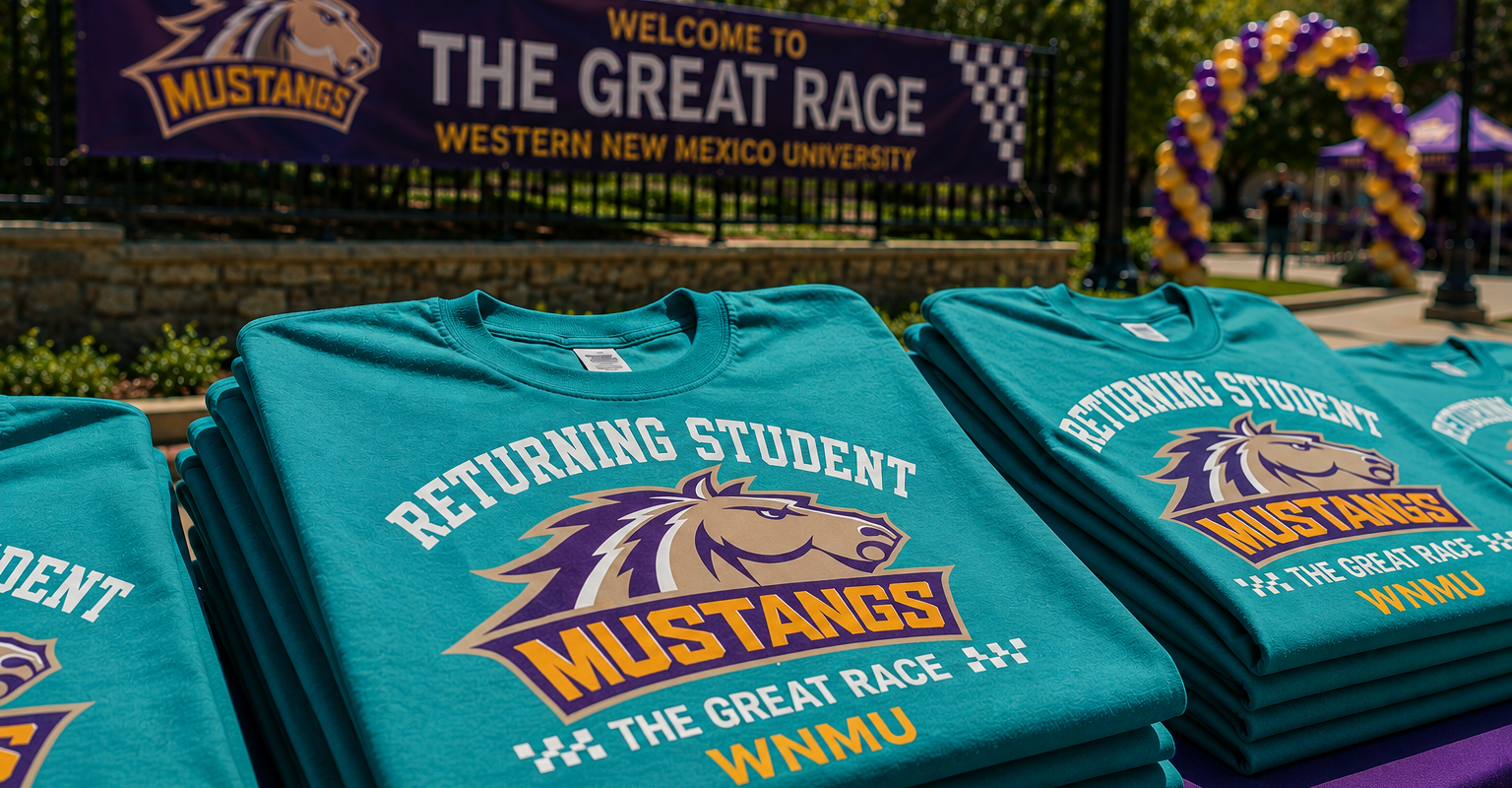
Welcome Back, Mustang! As you prepare for another semester at WNMU, use this roadmap to stay on track with financial aid, major updates, degree planning, registration, course materials, and payment deadlines. Start early. Returning students often know the basics, but important items can still delay registration or financial aid if they are missed.

Step 1: Financial Aid
- Submit a new FAFSA each year as part of the financial aid process.
- Use Mustang Express to check your status and any missing requirements.
- Download and submit any required forms as early as possible.

Step 2: Review or Update Major
- If your goals have changed, review your options before registration.
- Talk with an advisor if you are still deciding between majors.
- Use the major information page to explore next steps.

Step 3: Degree Plan
- Review program requirements before you register.
- Confirm that your next classes keep you moving toward graduation.
- If you are unsure what to take next, schedule an advising appointment.

Step 4: Schedule Classes
- Check the course schedule and build your plan early.
- Compare available sections and formats before registration opens.
- Meet with advising if you want feedback before you register.

Step 5: Textbooks & Materials
- WNMU Access includes textbooks in tuition and fees.
- Review opt-out information, FAQs, and bookstore access details early.
- You can also search for materials through the bookstore or Canvas.

Step 6: Payment Plan
- Payment plans should be set up before the first day of classes.
- Review payment deadlines and available options early.
- Contact the Business Office right away if you have billing questions.




You Don’t Have to Navigate College Alone
While self-service tools can help you complete many academic tasks independently, building a relationship with an academic advisor is one of the best ways to stay informed, supported, and on track toward graduation.